Dated progress photography
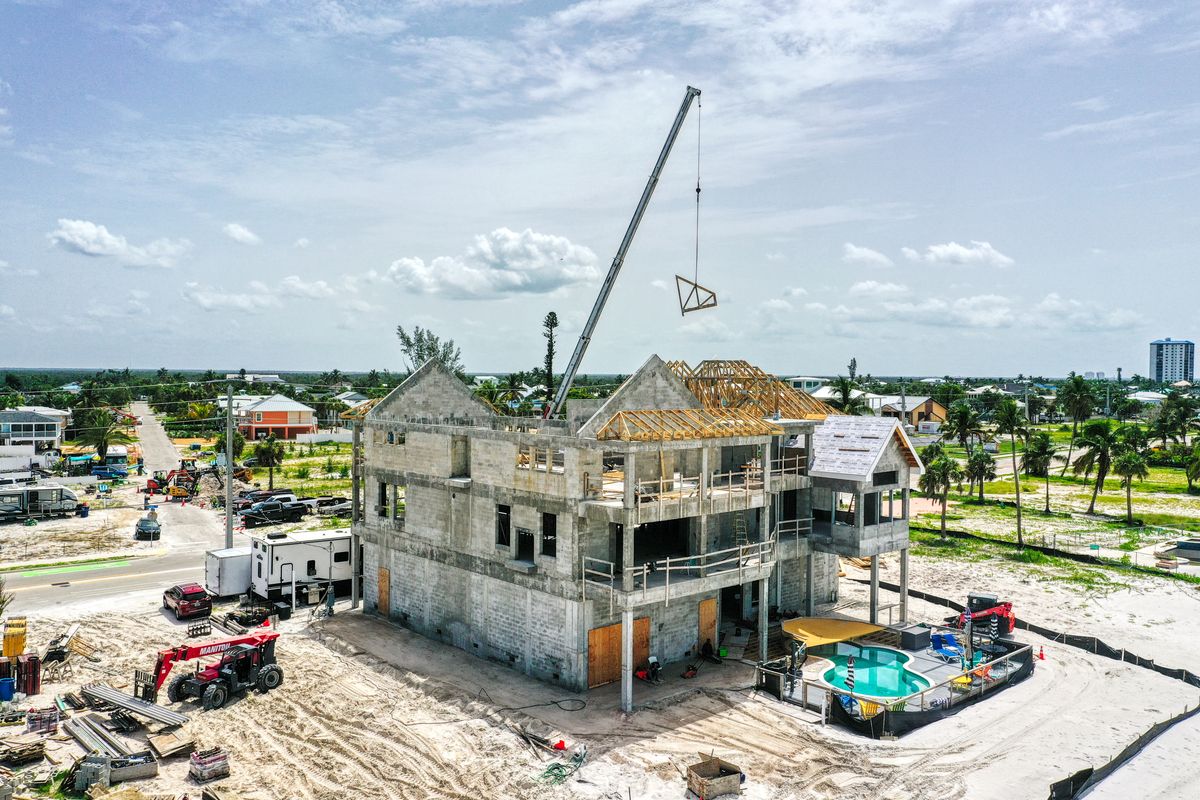
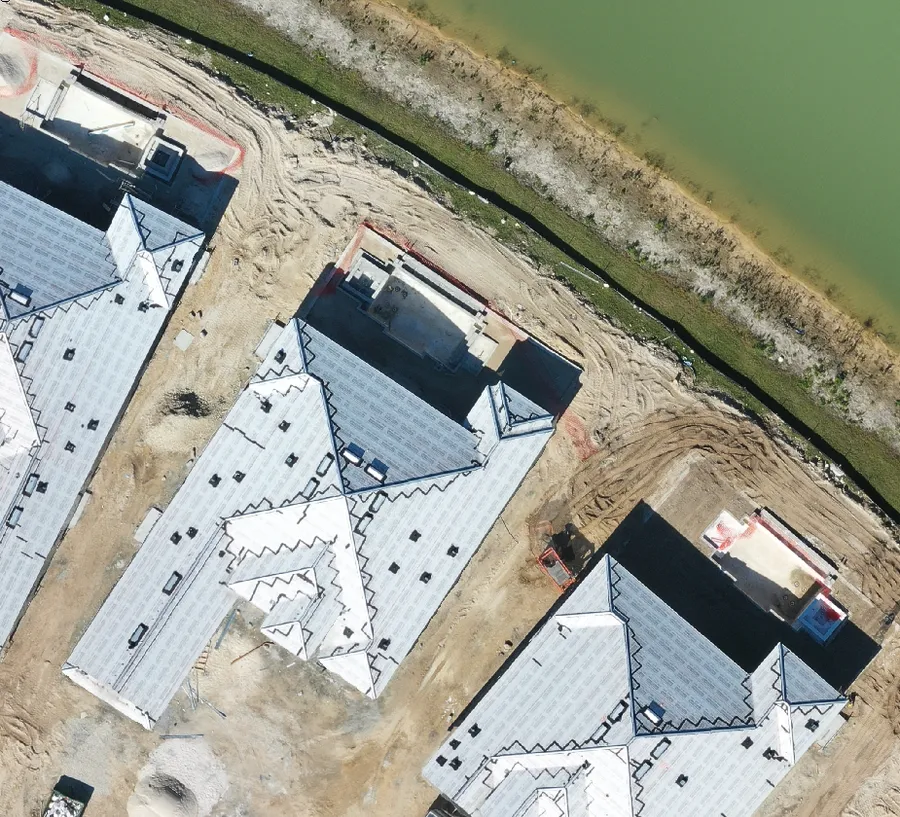
Branded, timestamped aerial imagery on a set schedule, turned around fast enough to use in the next owner meeting.
PROGRESS + CONSTRUCT VIEWER
Fast, dated, branded aerial documentation on a schedule, so the whole team looks at the same reality. When you need the whole site at once, map-style imagery lives in Construct Viewer.
The problem
Most disputes with subs come down to one question: was it done, and when? A folder of photos from a ground camera is one nobody opens. We deliver dated aerial documentation on a cadence, so an excavation error shows up in week three, not after the slab is poured.
What you get
Branded, timestamped aerial imagery on a set schedule, turned around fast enough to use in the next owner meeting.
See the whole site from above in a map-style view, with tools for measuring, work orders and punch lists.
Every flight becomes a dated, side-by-side record the whole team logs into, so week 3 and week 12 sit next to each other.
Dated, located imagery that answers "that wasn't done" before it becomes rework or a change-order fight.
The proof
One pass gets what you need to prove, plan, or sell. Hover the points to see what we pull from a single flight.
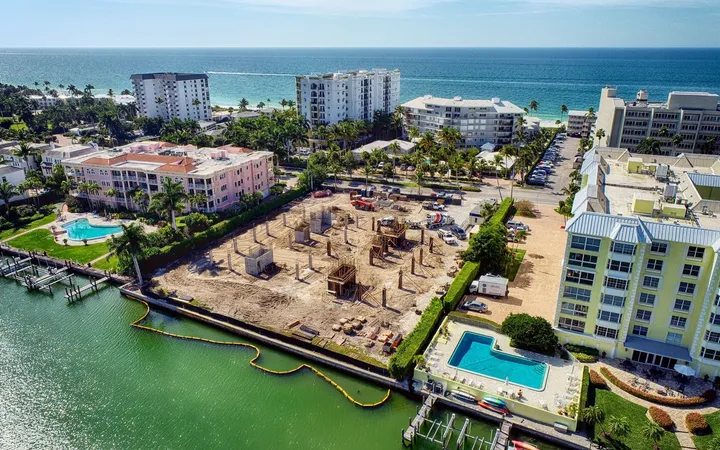
Fast progress photos keep owners and lenders current on whatever schedule the job needs. When the team needs more, Construct Viewer shows the whole site in a map-style view, with flight-to-flight comparison, measurements, work orders and punch lists, and one link for the owner. We also handle site inspections and cinematic aerial media on the same flight.
The Construct Viewer
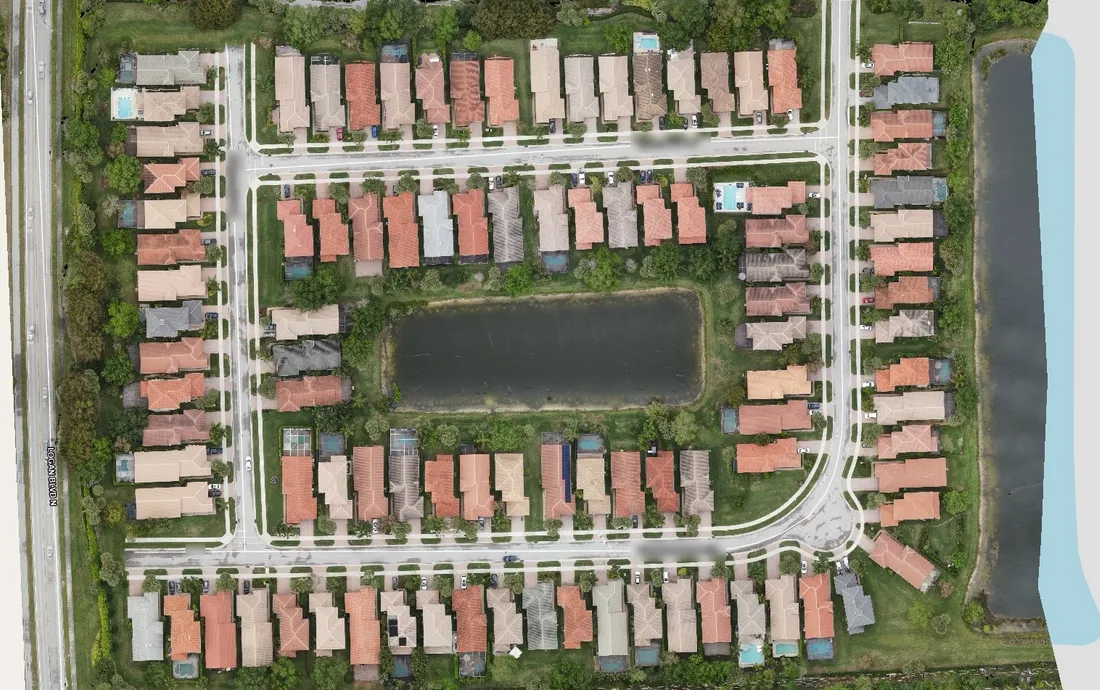
Every flight lands in Construct Viewer, a private web page built for your project. There is no app to install. Open the link, pick a date, and the whole site loads from above in a map-style view. Compare any two flights, build work orders and punch lists, and keep owners, supers and subs looking at the same dated record.
Each visit is saved by date. Pick a flight from the menu and the whole site loads from above in a map-style view.
Drag the slider between two dates to see what changed: new framing, finished roofs, completed sitework.
Drop a pin and add a note. Build work orders and punch lists right on the map for the owner, the super and the subs.
One click turns every note into a branded PDF. Share the link with the team, or download the original files. You own the data.
Start here
The deliverable
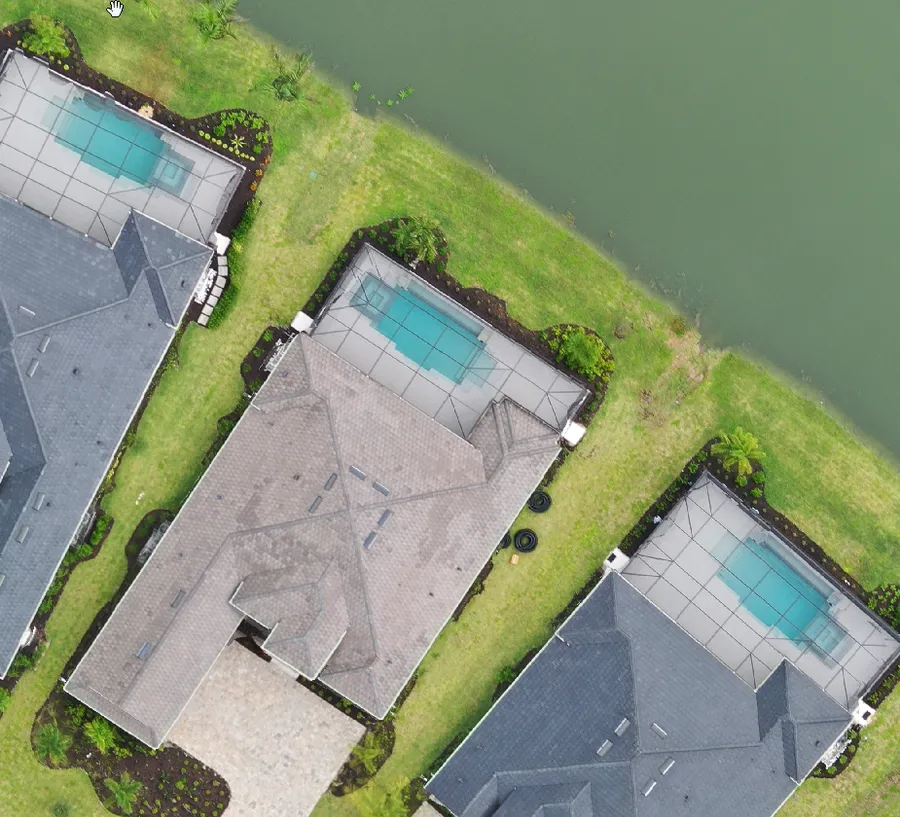
Every job ships with an interactive Viewer — the part you cannot get anywhere else — plus the raw files.
See the Viewer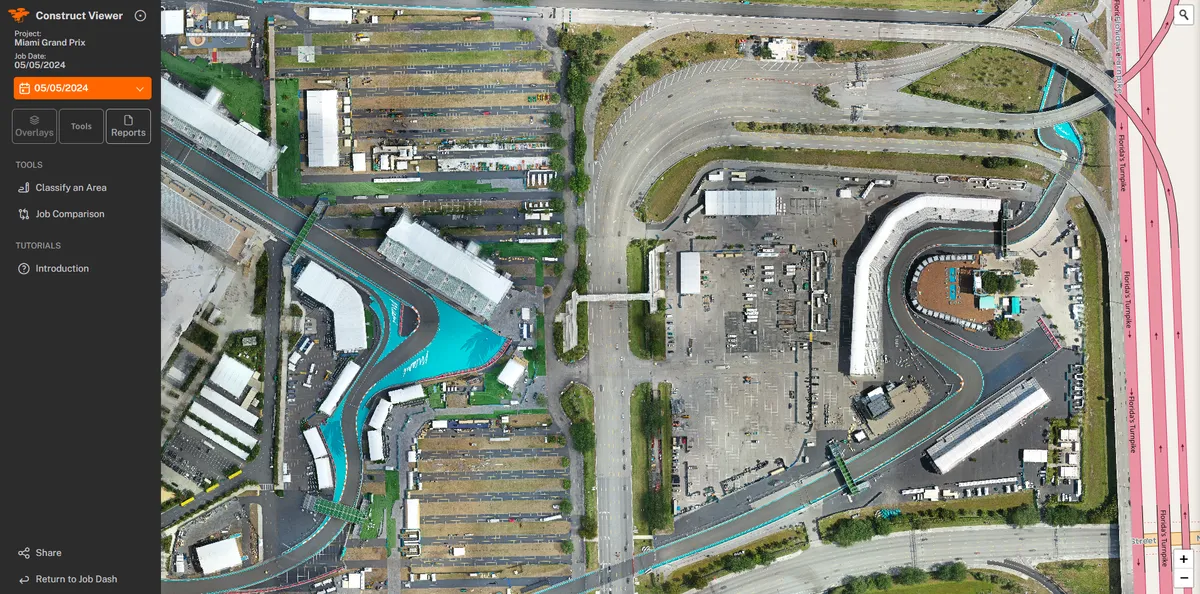
Questions