Construction
Construction Progress Photography: Drone Photos vs the Viewer
Construction progress photography by drone gives you dated, branded aerials from $200 a flight. See when that is enough and when to add the Viewer.
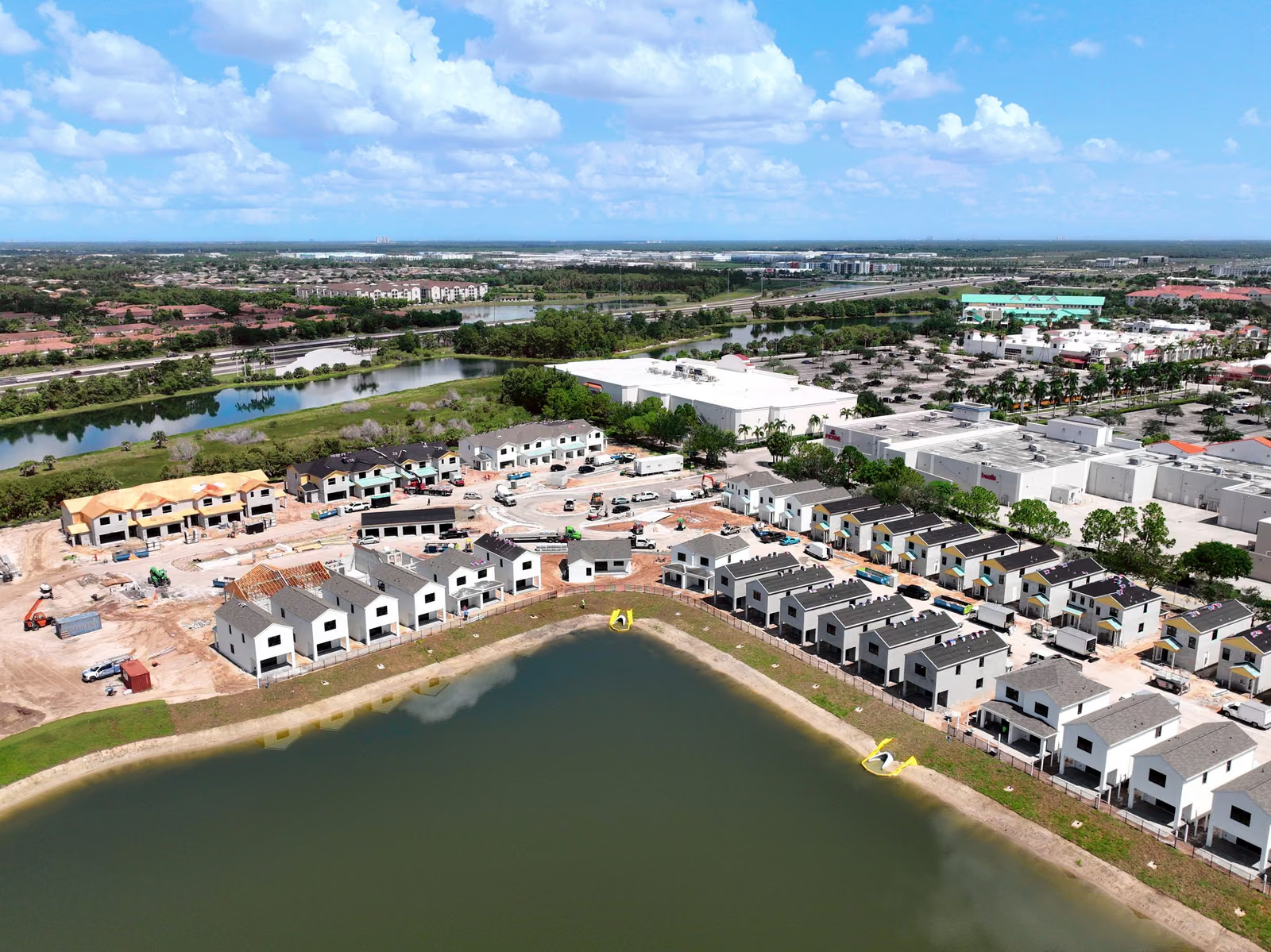
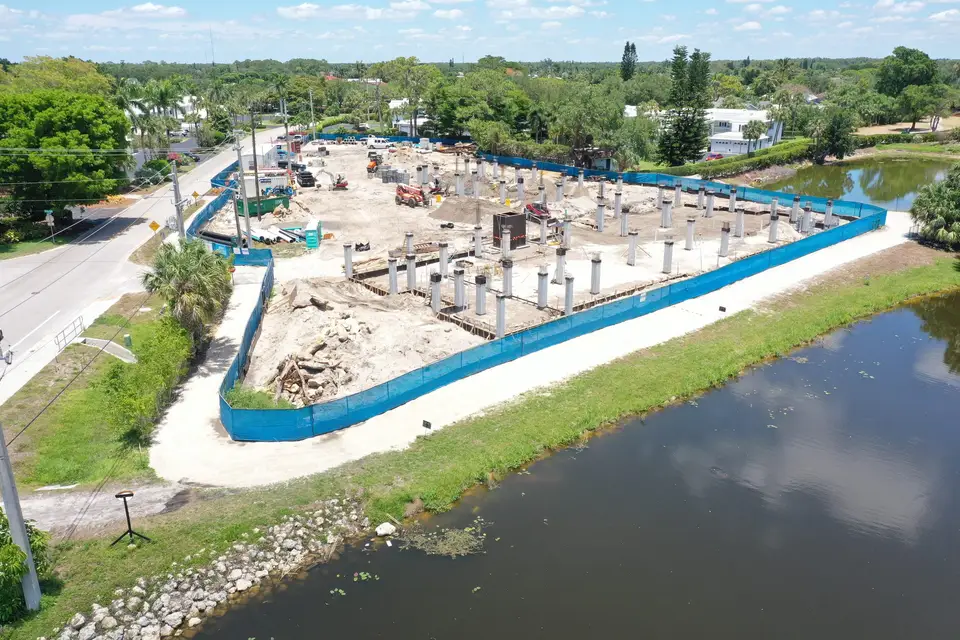
Construction progress photography by drone means a licensed pilot flies your site on a schedule and hands you dated, branded aerial photos from the same angles every time, starting at $200 per flight. Most projects only need that. The Construct Viewer is the step up for teams that want to compare flights, measure and mark up the site online.
Key takeaways
- Drone progress photos are a dated visual record for owners, lenders and disputes, from $200 per flight.
- The Viewer is an online view of every flight where you compare dates, measure, mark up and share.
- Start with photos. Add the Viewer when more people need to work from the same picture.
- Rapid turnaround is available, as fast as same day with rush.
Why construction progress photography works best from the air
The old way is a superintendent with a phone. The photos come from the ground, from whichever corner is easy to reach, on whatever day someone remembered. Three months later nobody can say which week a photo is from, and no single frame shows the whole site.
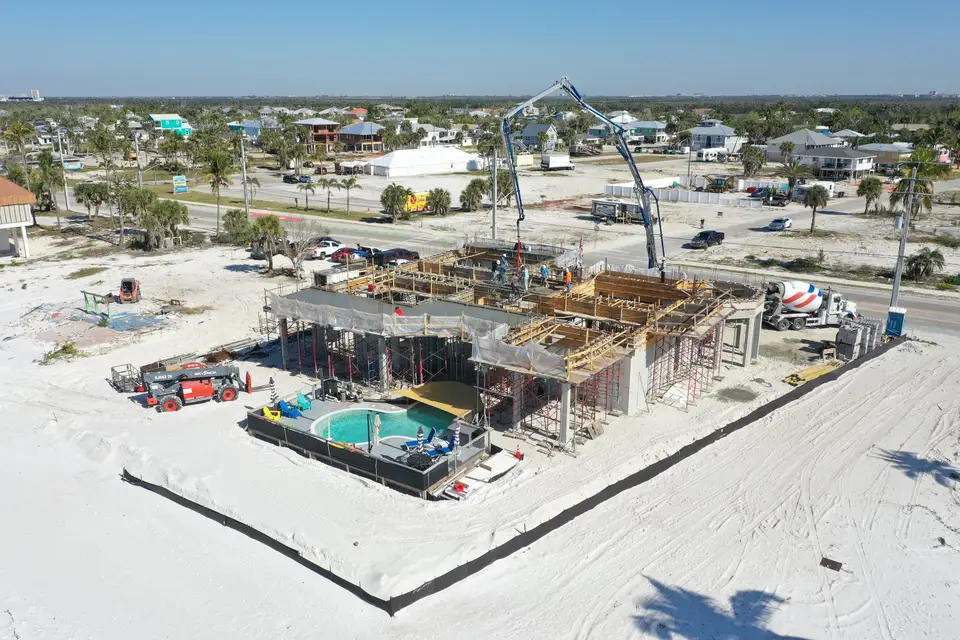
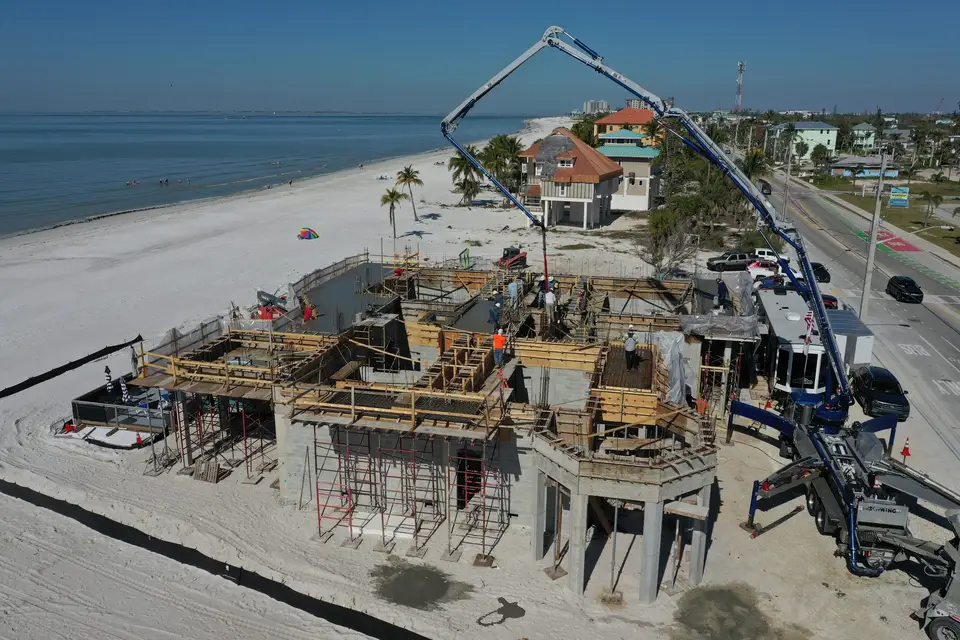
A drone changes three things. The pilot returns to the same positions every flight, so two photos taken a month apart line up and the change is obvious. Each image carries a date and your branding. And the camera sees the site the way an owner or a lender wants to see it: footprint, access roads, laydown areas and neighbors, all in one frame.
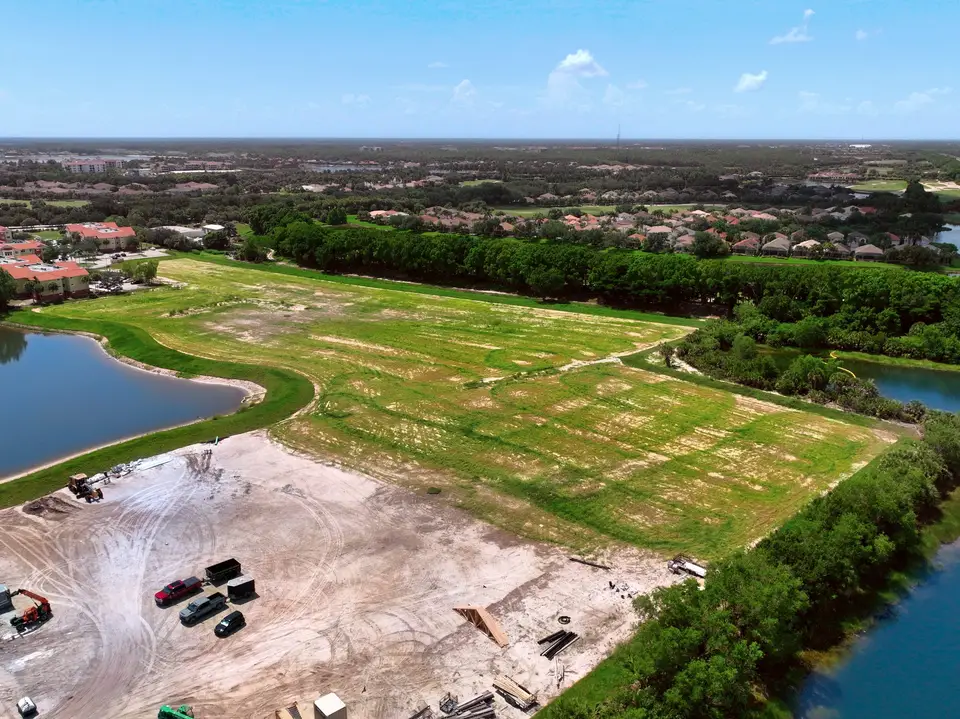
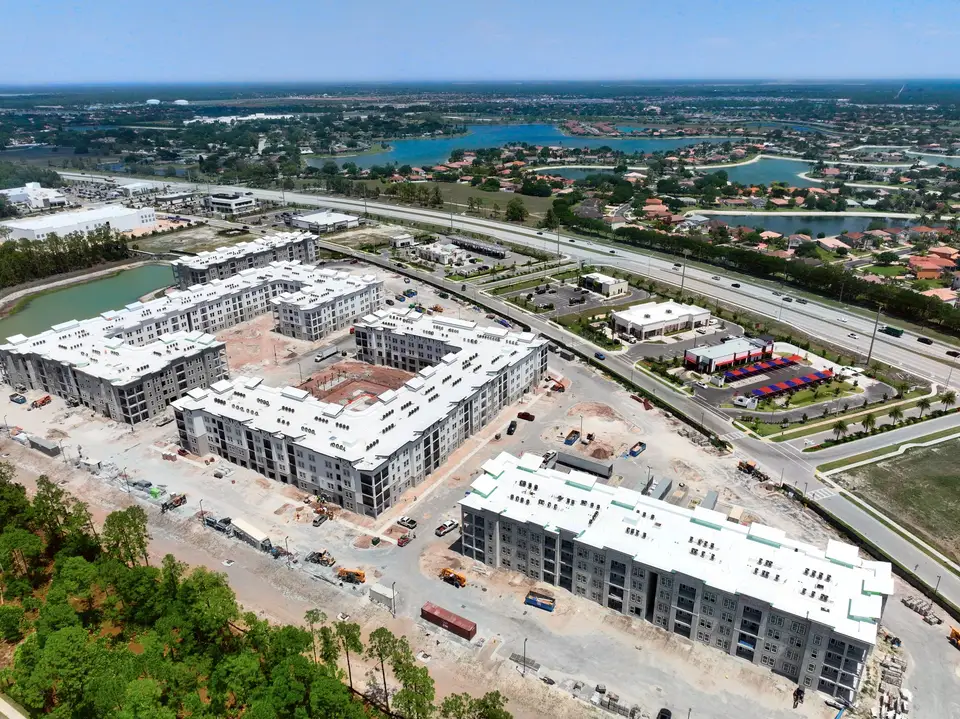
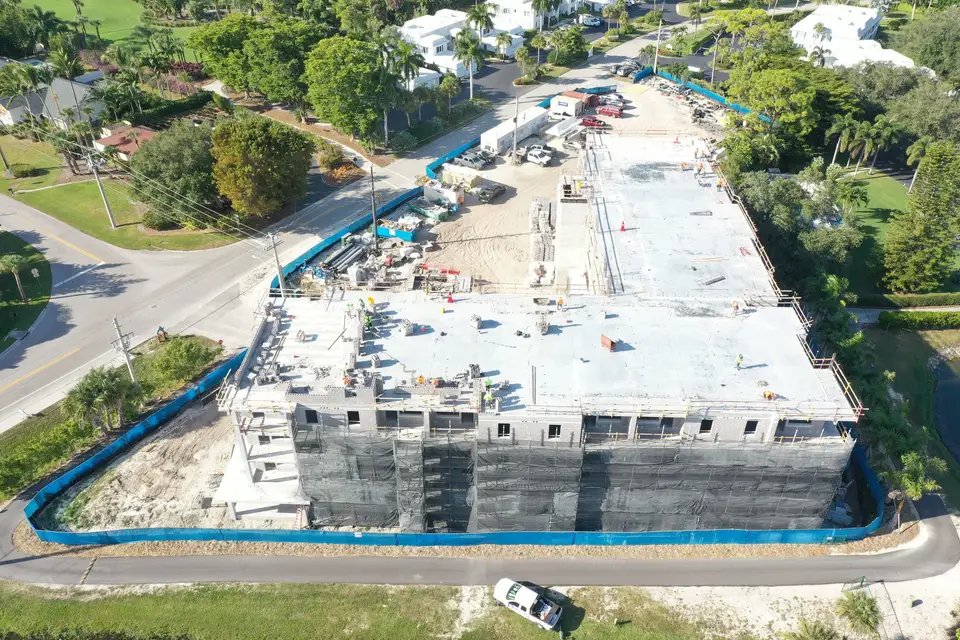
What a progress photo set gets you
A dated set answers the questions that cost builders time and money.
- Owner and lender updates. Send the latest flight instead of scheduling a site walk. Draw requests and monthly reports go out with proof attached.
- Schedule and change order disputes. When a trade claims the pad was not ready, or an owner asks when the footings went in, the dated frame settles it.
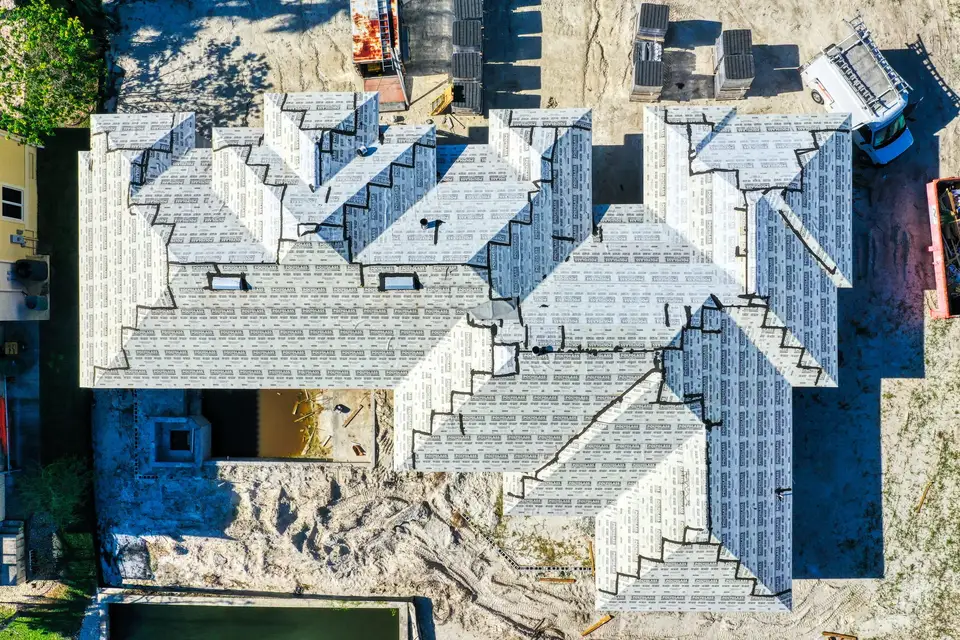
- Covered work. Fly before the pour, before the roof deck goes on, before the fill goes in. The record exists after the work disappears.
- Marketing. The same flights make clean material for a sales team or a website. See what a drone does better than the old way for the wider list.
This is the everyday workhorse of progress documentation, and it is built for construction teams who want a record without adding a project to their plate.
What the Viewer adds
A photo set is something you look at. The Construct Viewer is something your team works in. It is an online view of every flight over your site, opened from a link with nothing to install. You pick any two dates and slide between them, measure distances and areas, mark up problems, assign work orders and punch list items, and share exactly what you found with the person who has to fix it.
That matters when the people reading the record are not all in one office: the superintendent, the project manager, the owner’s rep, the architect, a lender’s inspector. They all open the same view of the same flight, so nobody is guessing which photo someone else means.
Every flight on one timeline.
Open any flight, compare it to any other date, measure, mark up and share. The same regular flights, put to work.
See the Construct Viewer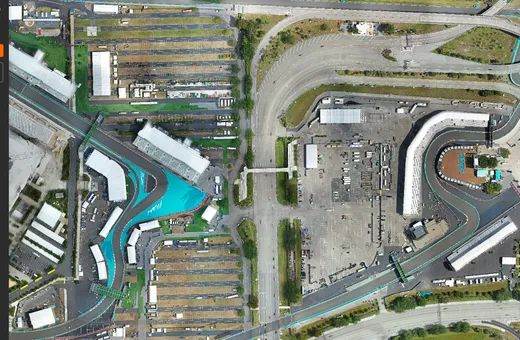
Progress photos or the Viewer: which one fits?
Progress photos and the Construct Viewer’s map-style imagery are different products. The photos are quick, branded stills. The Viewer is the upgrade, and the map-style view of the whole site is what makes measuring and comparing possible.
| You need to | Progress photos | Construct Viewer |
|---|---|---|
| Keep a dated visual record | Yes | Yes |
| Send owners and lenders an update | Yes | Yes |
| Put branded images in a report | Yes | Export |
| See the whole site in one view | By angle | Yes |
| Compare any two flights | Side by side | Slide between dates |
| Measure distances and areas | No | Yes |
| Mark up issues, work orders and punch lists | No | Yes |
| Starts at | $200 per flight | See pricing |
A simple rule: if one or two people read the record, photos are enough. If the record needs to drive work across a team, add the Viewer. Current numbers are on the pricing page.
How often should you fly a construction site?
Every two to four weeks suits most projects. Fly more often during sitework and framing, when the site changes fastest, and add a flight right before anything gets covered. Turnaround is rapid, and rush delivery can be as fast as same day when an owner meeting will not wait.
Two practical tips. Ask for the first flight before ground breaks, so you have a baseline of the untouched site. And keep the same schedule through the slow phases, because the gaps in a record are exactly where disputes start.
Common questions
How much does construction progress photography cost?
Do I need the Viewer for construction progress?
What is the Viewer, in plain terms?
How often should a construction site be flown?
Can I start with photos and add the Viewer later?
Put a dated record on your next build.
Request a quote